
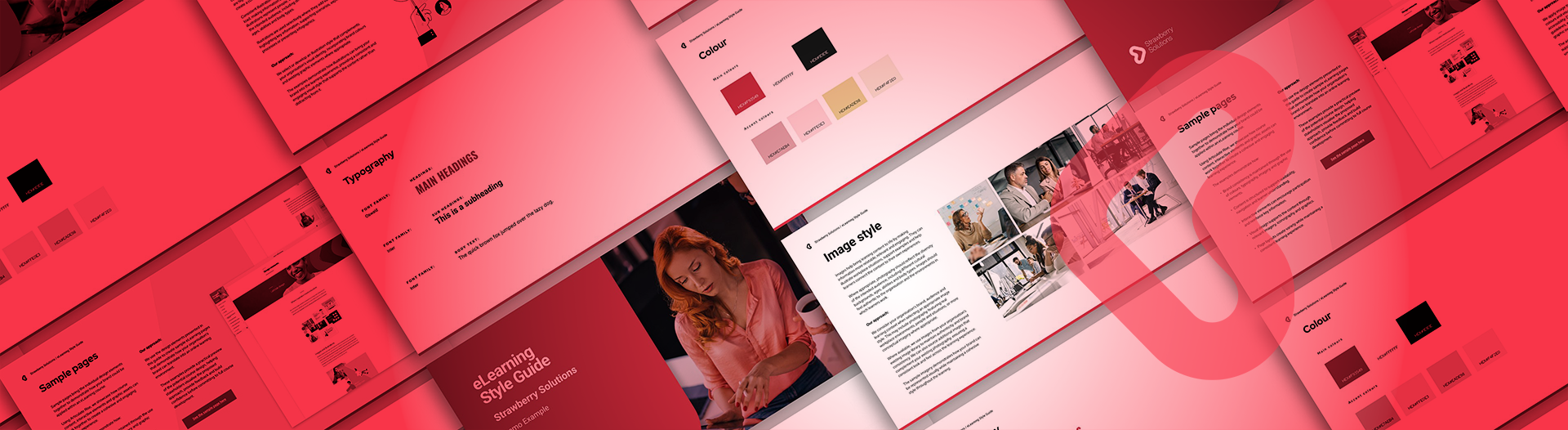
eLearning Style Guide
See how your brand will look in eLearning, before you commit to the full build.
Every project we build starts with a concept phase, because branded eLearning needs a clear direction before anything gets built. That’s where we work out how your eLearning should look and feel on screen.
What comes out of that phase is the eLearning Style Guide. Now you can start there on its own.
Talk to us about your project.
Who it's for
The Style Guide works best when there’s a real project behind it. It’s a good fit if:
- You’re new to eLearning and finding it hard to picture what the finished course could look like.
- Your organisation has a strong brand, and someone needs to approve the creative direction before a bigger project goes ahead.
- You’ve rebranded, and your eLearning needs to catch up.
If you don’t have a project in mind yet, a conversation is probably the better first step.
WHAT GOES INTO BRANDED ELEARNING
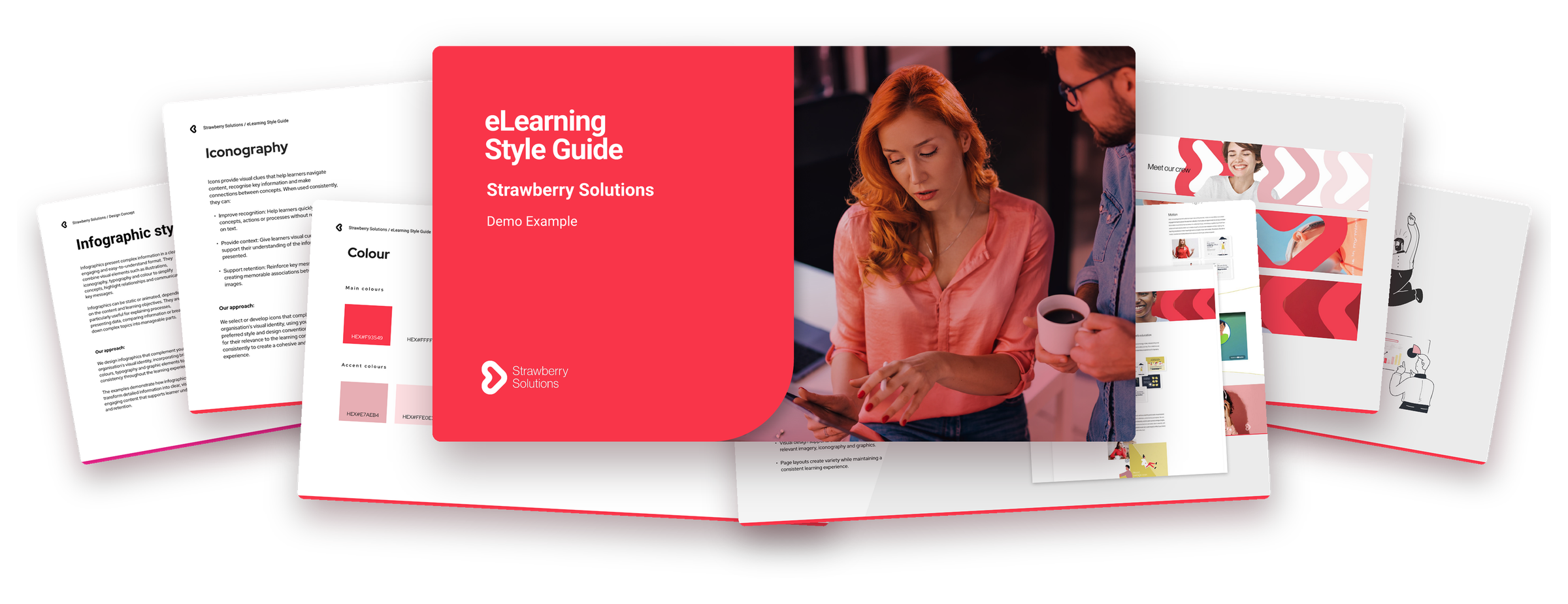
Brand guidelines are usually written for print, websites and social. Your eLearning Style Guide translates them for branded eLearning. It covers every visual decision a course needs, so the full build starts with a direction everyone has already agreed on.
Once it’s approved, it becomes the reference for your project and any eLearning you build after it.
Real screens,
not a mood board.

Colour
Your palette, with clear rules for where each colour is used so text stays easy to read.
Typography
Fonts for headings, sub-headings and body text, set up to work on screen.
Icons
An icon style that suits your brand and helps learners pick up ideas quickly.
Images
The kind of photography or illustration that reflects your people, and how it’s treated on the page.
Sample pages
Real pages built in the course tool, with banners, content and interactions, so you see how it all comes together.
How it works
Four steps from a first chat to an approved creative direction.
-
1
Talk it through
First, we talk through your project, your brand and your learners.
-
2
We design
Next, we design your Style Guide: colour, type, icons, images and sample pages.
-
3
Review and refine
Then you review it, and we refine it together.
-
4
Approve
Finally, you approve it, and it becomes your creative direction for this project and the ones after it.
Credited in full
Go ahead with a full eLearning project with us worth $10,000 or more within six months of approving your Style Guide, and we credit the full $1,350 to that project.
Talk to us about a Style GuideWhat we need from you
Your brand guide
If you have an established brand guide, that's all we need to make a start.
No brand guide? That's fine. Instead, send us what you have, such as:
- Logos
- Fonts
- Colour palette
- Website links
- Social media profiles
- Print materials
Frequently asked questions
The short answers to what people usually ask.
What is an eLearning Style Guide?
It's the creative direction for your eLearning. That covers your colours and how they're used, fonts, icons, photography or illustration style, and page banners.
It also includes sample pages built in the course tool, so you see real screens rather than imagining them.
Who is it for?
It works best for organisations with a real eLearning project in mind. That might be because you're new to eLearning and finding it hard to picture the finished course, or because your brand matters and someone needs to approve the creative direction before a bigger project goes ahead.
It's also a good fit for existing clients who have been through a rebrand.
How much does it cost?
The eLearning Style Guide is $1,350 +GST.
How does the credit work?
If you go ahead with a full eLearning project with us worth $10,000 or more within six months of approving your Style Guide, we credit the full $1,350 to that project.
What if my project is under $10,000?
The credit only applies to full projects of $10,000 or more. However, you'll still have an approved creative direction for your eLearning.
Do I have to go ahead with a full project?
No. The Style Guide is a piece of work in its own right. For example, you can use it to share the direction with your team and get sign-off before you decide on the full build.
What do you need from me to get started?
If you have an established brand guide, that's all we need. Otherwise, send us what you have: your logos, fonts, colour palette, website links, social media profiles and any print materials you use.
Can we use it for future projects?
Yes. Once you approve it, it becomes the reference for your project and any eLearning we build with you after it, so you don't need a new one each time.
Got a question we haven't covered?
Get in touch


